How to Spot a Phishing Email — A Guide for Bermuda Businesses and Residents
Phishing emails are the number one way cybercriminals gain access to business systems and personal accounts. They are designed to look legitimate — mimicking banks, government agencies, courier companies, and even your own colleagues. Knowing how to spot a phishing email is one of the most valuable cybersecurity skills any Bermuda resident or business employee can develop.
TL;DR
- Phishing emails impersonate trusted organisations to trick you into clicking malicious links or revealing passwords.
- Over 90% of successful cyberattacks begin with a phishing email.
- Common targets in Bermuda include bank customers, insurance employees, and government agency contacts.
- You can spot most phishing emails by checking the sender address, looking for urgency, and hovering over links before clicking.
- When in doubt, contact the organisation directly using a number you find yourself — never one in the email.
What Is a Phishing Email?
A phishing email is a fraudulent message designed to deceive you into taking an action that benefits the attacker. That action might be clicking a malicious link, downloading an infected attachment, entering your login credentials on a fake website, or transferring money to a fraudulent account.
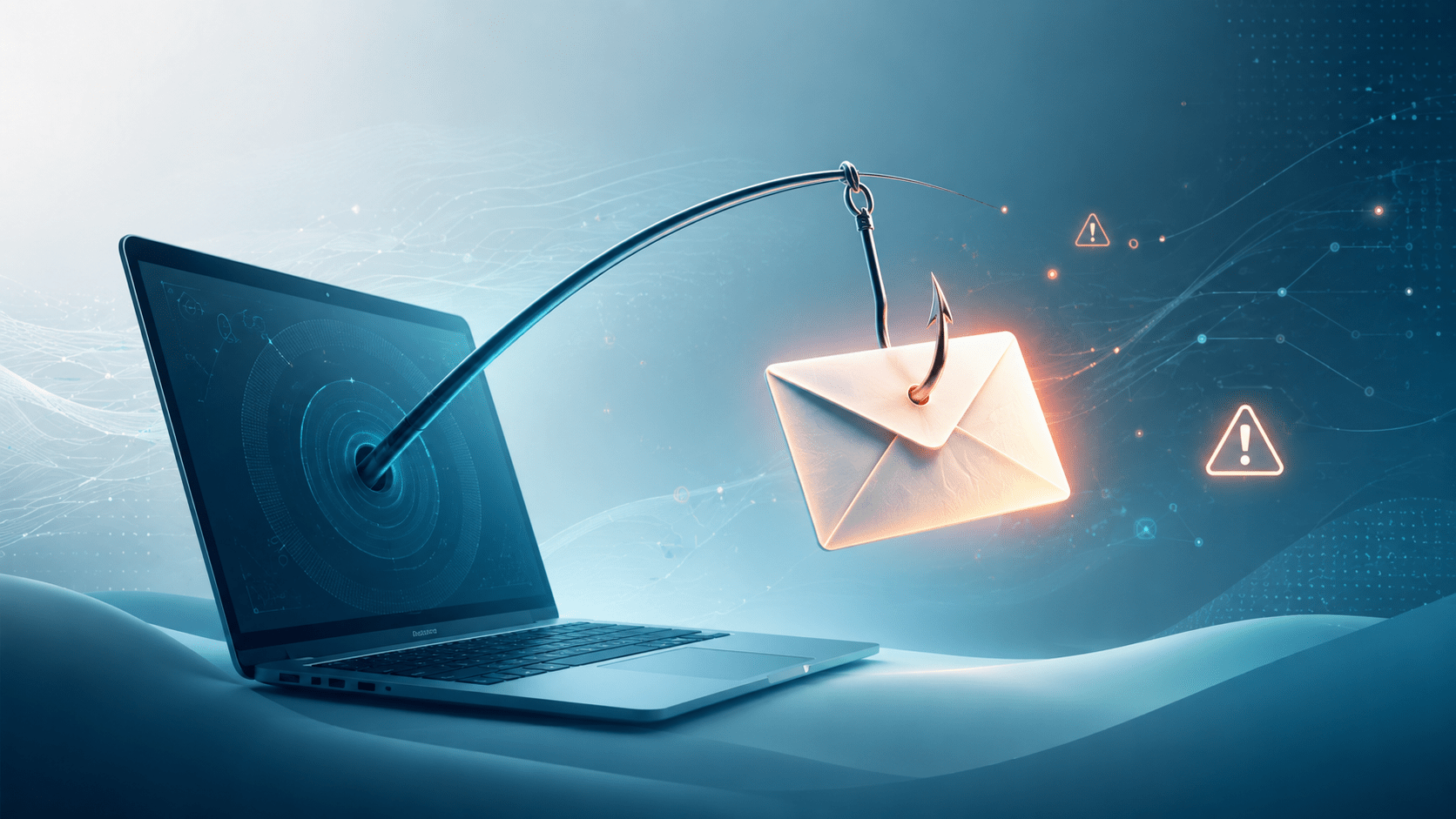
The term comes from the idea of fishing — casting a wide net and waiting for someone to take the bait. Attackers send millions of phishing emails at a time, knowing that even a small percentage of recipients will fall for them. More sophisticated attacks — called spear phishing — are targeted at specific individuals using personal information gathered from social media and other sources.
Why Bermuda Is a Target
Bermuda’s position as a global financial centre makes it an attractive target for cybercriminals. Insurance companies, law firms, investment managers, and financial services providers handle large volumes of sensitive transactions and wire transfers daily. A single successful phishing attack on the right employee can result in fraudulent wire transfers of hundreds of thousands of dollars.
Bermuda residents are also targeted by phishing emails impersonating local banks, the Bermuda Government, BELCO, and international courier services. Attackers know that a convincing email appearing to come from a familiar local organisation is more likely to succeed than a generic international scam.
Warning Signs of a Phishing Email
1. The Sender Address Does Not Match
Always check the actual email address, not just the display name. An email can show “HSBC Bermuda” as the sender name while the actual address is something like support@hsbc-secure-alert.com. That domain has nothing to do with HSBC. Legitimate organisations send from their own verified domains.
2. Urgency and Threats
Phishing emails almost always create a sense of urgency. “Your account will be suspended in 24 hours.” “Immediate action required.” “Your package could not be delivered.” This urgency is designed to make you act before you think. Legitimate organisations rarely demand immediate action via email for sensitive matters.
3. Generic Greetings
Mass phishing emails often use generic greetings like “Dear Customer” or “Dear User” because the attacker does not know your name. Your bank knows your name and will use it. A generic greeting is a red flag.
4. Suspicious Links
Before clicking any link in an email, hover your mouse over it and look at the actual URL that appears at the bottom of your screen. If the link says it goes to your bank but the URL shows a completely different domain, do not click it. On mobile, press and hold the link to preview the URL before opening it.
5. Unexpected Attachments
Be very cautious with email attachments you were not expecting — especially files ending in .exe, .zip, .docm, or .xlsm. Even PDF files can contain malicious code. If you receive an unexpected attachment from someone you know, call them to confirm they sent it before opening.
6. Poor Spelling and Grammar
Many phishing emails originate from non-English speaking countries and contain spelling mistakes, awkward phrasing, or unusual formatting. Legitimate companies proofread their communications. Errors are a warning sign — though sophisticated attacks are now increasingly well-written, so do not rely on this alone.
7. Requests for Sensitive Information
No legitimate bank, government agency, or reputable company will ask you to provide your password, PIN, or full credit card details via email. Ever. If an email asks for this information, it is a phishing attempt regardless of how convincing it looks.
What You Should Do
- Stop and think before you click. Pause and ask yourself whether you were expecting this email. If something feels off, trust that instinct.
- Verify independently. If an email claims to be from your bank or a government agency, close the email and contact the organisation directly using a phone number or website address you find yourself — not one provided in the email.
- Report phishing emails. In Bermuda, suspicious emails can be reported to your IT department or internet service provider. Most email platforms also have a built-in button to report phishing.
- Never enter credentials after clicking an email link. If you clicked a link and it asks for your login details, close the page immediately and change your password from a trusted device.
- Train your team. Human error is the biggest cybersecurity vulnerability for any organisation. Regular phishing awareness training for all staff significantly reduces the risk of a successful attack.
IT Perspective
From a technical standpoint, email authentication standards like SPF, DKIM, and DMARC help prevent attackers from spoofing legitimate domains. Bermuda businesses should ensure their email domains are properly configured with these standards — both to protect their own customers from receiving fake emails that appear to come from them, and to ensure their own email filters catch spoofed inbound messages.
Advanced email security solutions like Microsoft Defender for Office 365 and Proofpoint add an additional layer of protection by scanning links and attachments in real time before they reach employee inboxes. For businesses handling sensitive financial data these tools are worth serious consideration.
Tools That Can Help
- KnowBe4 — knowbe4.com — Security awareness training and simulated phishing tests for your team
- Microsoft Defender for Office 365 — Advanced email protection built into Microsoft 365 Business plans
- Proofpoint Essentials — proofpoint.com — Email security for small and mid-sized businesses
- Google Safe Browsing — Built into Chrome, warns you when you navigate to known phishing sites
- Have I Been Pwned — haveibeenpwned.com — Check if your email address has been exposed in a data breach
Sources
This article was written by TechBermuda editorial staff as part of our evergreen cybersecurity guide series.